Google Sheets money system

Google Sheets Templates for Young Professionals

Transactions, budget, cash flow, net worth, and planning—built as one system inside a real Google Sheet you own. Connect accounts to automatically organize your finances into the templates and keep your Sheet updated daily.

Computer only (mobile not supported).

Automated templates that stay up to date.

No manual entry. The add‑on pulls transactions and balances directly into your Google Sheet, organizes them into the templates, and updates everything daily—so your plan stays accurate without uploads.

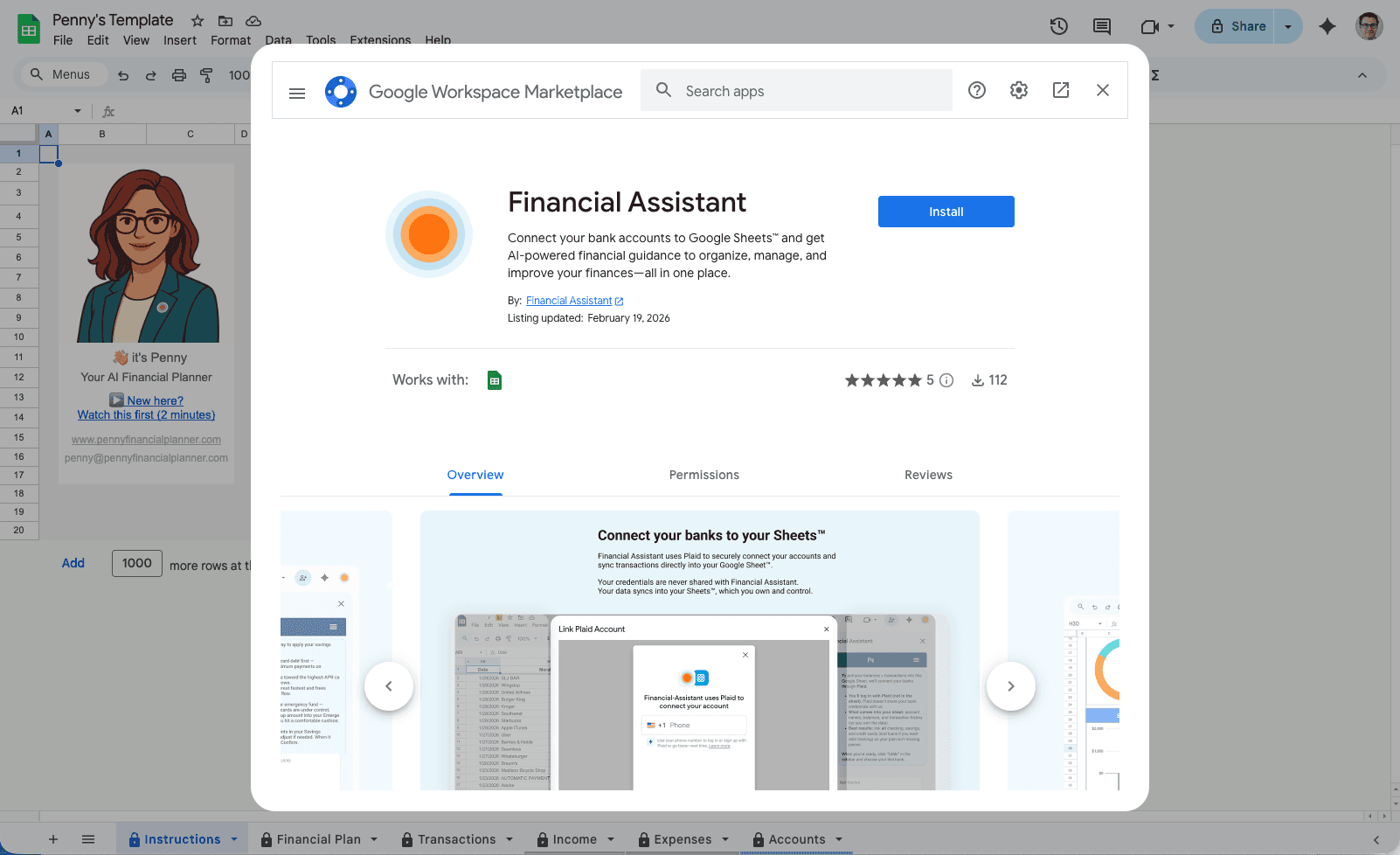
Install the Penny add-on from the Google Workspace Marketplace

Install the Add-on

Install Penny in Google Sheets, then connect accounts (read‑only) so transactions and balances sync into your Sheet automatically and update daily.

Transactions automatically organized in Google Sheets with categories

Automatically organized

Transactions flow into the Sheet and sort into clean categories automatically. If something is wrong, you can recategorize it—and your reports update.

Templates work together as one system

Financial Operating System

Budget, cash flow, net worth, and planning are designed to work together—so your plan stays consistent.

No spreadsheets busywork. Your money stays organized automatically.

Explore the templates

This is what template-searchers come for—transactions (expense tracker), budget, income & tax forecasting, net worth, and planning. Each template is part of the same automated money management system, so your Sheet stays organized and updated daily.

Free templates are useful for structure, but they usually need manual updates. Automated templates keep transactions and balances current in Google Sheets, so your budget, cash flow, and net worth views stay accurate week to week.

Financial Planning Template

Best for building a monthly plan and getting a simple monthly review.

A monthly financial plan in Google Sheets that helps you track progress and stay on top of what matters—without rebuilding spreadsheets.

This financial planning template turns your synced transactions and balances into a monthly plan, then sends an overview to your inbox—so you can review progress (and key numbers like account balances) every month.

What’s inside
  • Monthly plan view
  • Progress overview delivered to your inbox
  • Key numbers like account balances
  • Monthly review to stay on track
  • Updated daily in Sheets
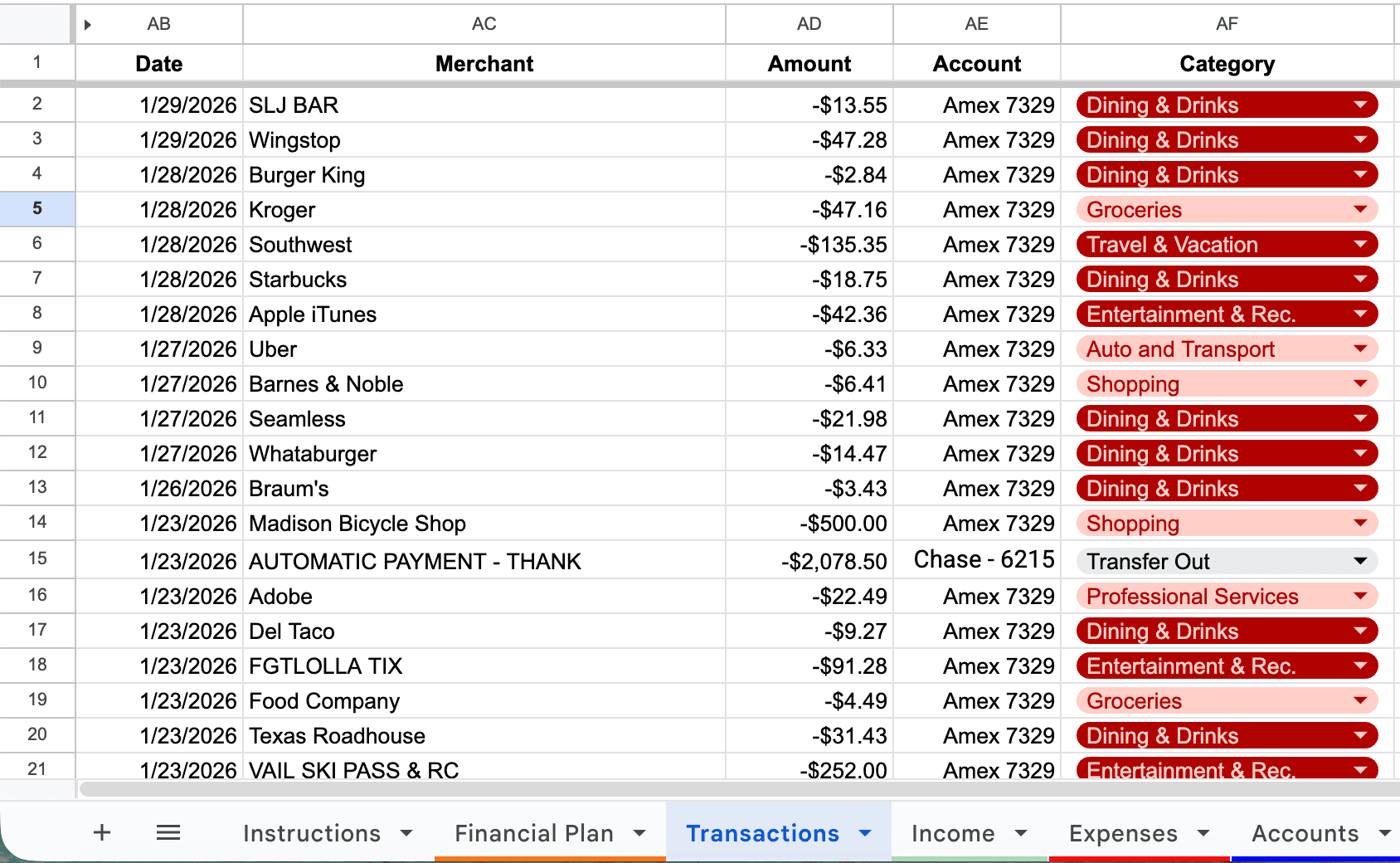
Transactions tab in Google Sheets showing merchants, amounts, accounts, and category dropdowns

Transactions Template

Best for seeing every expense and recategorizing in seconds.

A transaction-level view of your spending (expense tracker) with auto-categories—so you can see every expense and make quick edits when something looks off.

This Google Sheets transactions template works like a spending tracker and expense tracker: everything is organized automatically, and you can recategorize any transaction so your budget and reports stay accurate.

What’s inside
  • Transaction-level expense view
  • Auto-categorized spending
  • Recategorize any transaction
  • Daily updates in Sheets
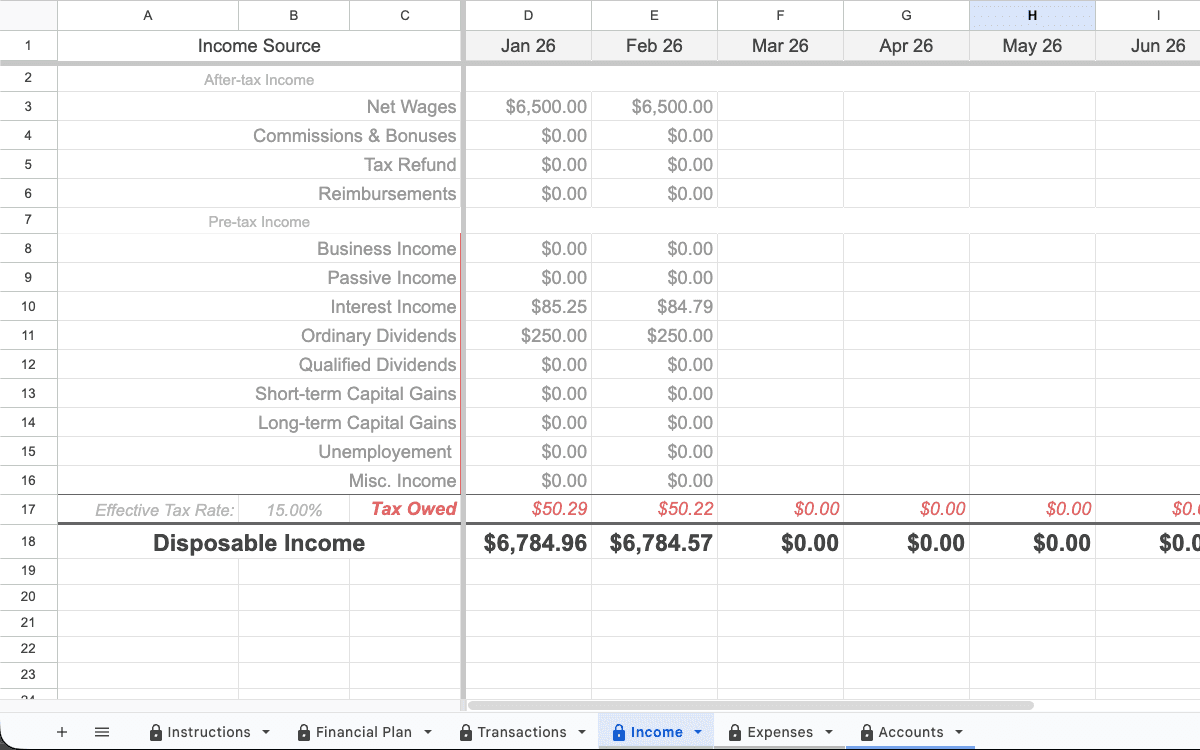
Cash flow and income planning in Google Sheets (income tab example)

Income & Tax Forecast Template

Best for variable income, multiple income sources, and staying ahead of taxes.

Track and forecast income by source—and estimate taxes for income where taxes are owed—so you avoid surprises at the end of the year.

If you’re searching for a Google Sheets cash flow template or income tracker template, this is the version built for young professionals: it tracks income by source and helps you forecast tax liability alongside your plan.

What’s inside
  • Income by source
  • Income forecast
  • Estimated taxes for owed income
  • Updated daily in Sheets
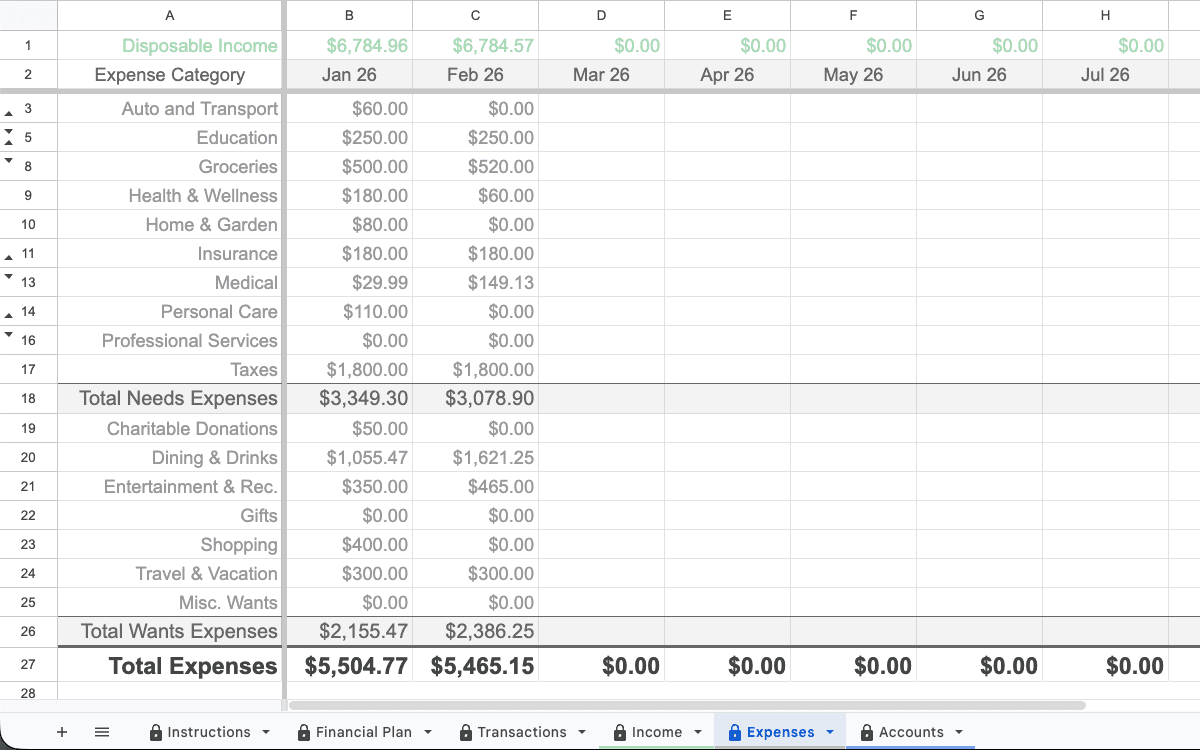
Budgeting in Google Sheets (expenses tab example)

Budget Template

Best for building a monthly budget you can actually stick to.

A clean monthly budget with a buffer line, goals, and simple categories you can actually keep up with.

This Google Sheets monthly budget template is designed to stay accurate automatically—your transactions flow into the right categories and update daily.

What’s inside
  • Auto-categorized expenses
  • Income and spending overview
  • Goals + buffer line
  • Daily updates in Sheets
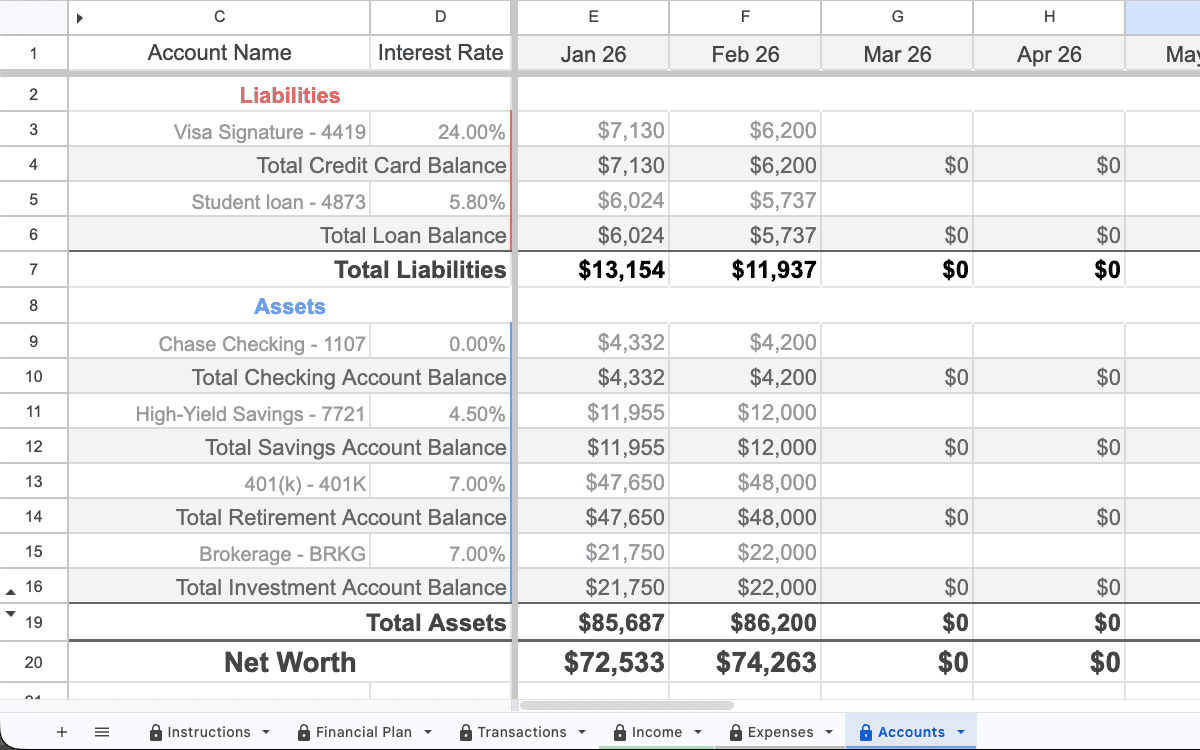
Net worth tracking in Google Sheets (accounts tab example)

Net Worth Template

Best for seeing progress across cash, debt, and investments.

A monthly snapshot of assets and liabilities so you can see your progress clearly.

This Google Sheets net worth template brings accounts together automatically—so you can track progress without rebuilding spreadsheets each month.

What’s inside
  • Accounts snapshot
  • Assets vs liabilities
  • Built from synced balances
  • Updated daily in Sheets
Get the automated template

Computer only (mobile not supported). Automatically organized and updated daily in Google Sheets.

FAQ

Do I own the template?

Yes. You copy the Google Sheet into your Drive and can edit anything you want.

Is there any manual entry?

No manual entry for transactions and balances. Penny pulls data into Google Sheets and organizes it into the templates for you.

Can I change categories?

Yes. If a transaction lands in the wrong category, you can recategorize it in the Transactions tab and your budget and reports stay consistent.

What happens when I connect accounts?

Penny connects read‑only via Plaid to pull balances and transactions and organize them into your Google Sheet so it stays current without manual uploads.

Does Penny store my financial data?

Your system lives inside Google Sheets. Penny syncs data into your Sheet so you can stay in control of the file you own.