
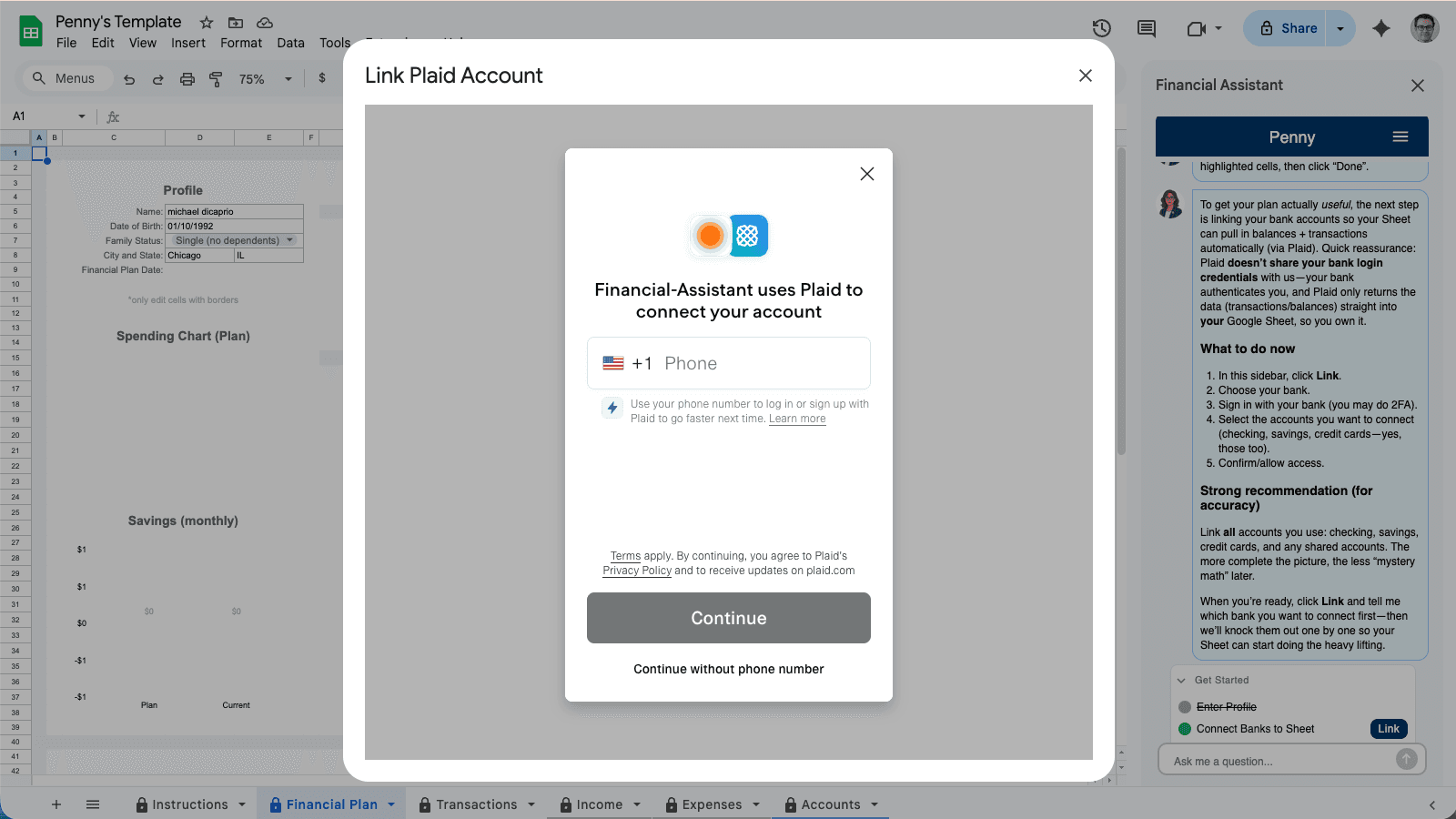
Problem: You want bank data in Sheets, but you do not want to risk access, privacy, or control.
Promise: Use this checklist to confirm the connection is read‑only, transparent, and easy to revoke.
Need the direct solution page? Sync bank transactions into Google Sheets with Bank to Sheets Sync.
| Safety check | Why it matters | How to verify |
|---|---|---|
| Read‑only access | Prevents money movement | Look for “read‑only” in the auth screen |
| Data location | Controls who sees raw transactions | Check the provider’s storage policy |
| Access controls | Limits internal visibility | Ask who can access transactions |
| Revocation steps | Lets you disconnect quickly | Confirm a bank‑side revoke option |
Quick safety call
If the connection is read‑only, you can see where data lives, and you can revoke access from your bank, the risk profile is similar to other trusted financial tools.
For a deeper walkthrough, read is it safe to connect my bank to an AI financial planner?.
If you want the security context around Plaid, see the Plaid Google Sheets guide or compare methods in the bank sync comparison.
Browse the finance answers hub for other safety and setup questions.
Want a secure sheet‑based plan? Start with Penny’s Google Sheets template.